 DDS
Freecam on PC
The AllThings PC freecam guide describes the toggle as Shift and L together; a DDS wiki repeats the control layout. These are treated as one independent written source. After that, WASD slides the camera, Q drops it, E lifts it, the mouse aims, the scroll wheel changes the base speed, and holding Shift hurries the move. Z, X, and C roll the Dutch angle. That roll is why those three keys cannot keep their driving meaning while the camera is loose. On a bike, Z and C are indicators. In this mode they tilt the frame.
The writeups say this is a PC binding. I am not inventing a phone gesture. Thai and Vietnamese searches ask for the same freecam. The keys above are the answer I can point at. A hide-GUI key is a separate search, and neither guide names it, so this page does not assign one. If a later patch puts a HUD switch on screen, that switch wins over any key I might guess today.

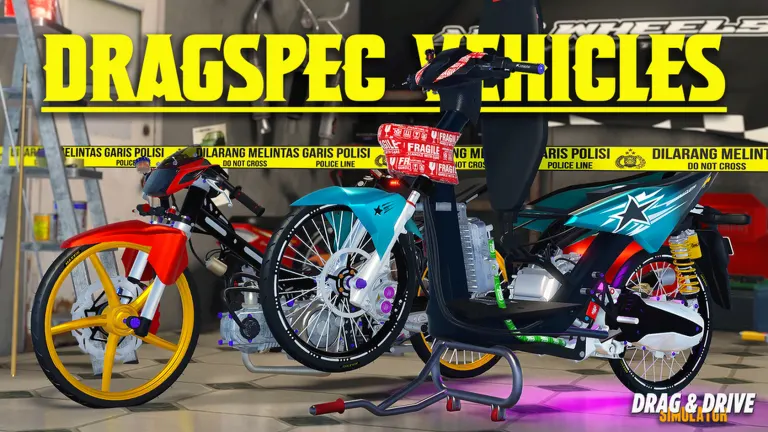
Use freecam when you want a still of a drag-spec scooter or a towed bike without the speedometer in the way, as far as the mode allows. It does not change the gearbox and it does not count as a wheelie. Leave the mode with the same Shift+L chord before you try to ride, because Shift inside the camera is a speed boost and Shift on the bike is the handbrake. Mixing those two is how a photo session becomes a crash. The controls page keeps the driving column. This page keeps the camera column. They are neighbors, not copies.
FAQ
How do I hide the GUI?
No written source names a key. I am leaving it blank rather than borrowing a key from another Roblox game.
Does freecam work on mobile?
The guides that list the keys say PC. I do not have a phone layout to publish.
Sources
- AllThings freecam — checked 2026-11-17
- DDS wiki controls — checked 2026-11-17
Related: Controls · Wheelie · Thai how to play