 DDS
Drag Drive Simulator controls
Use W/A/S/D to drive, E and Q to change gear, and P for parking or the motorcycle start action. The table separates driving bindings from freecam and wheelie methods. AllThings and the DDS wiki reproduce one keyboard table and count as one source; Sportskeeda independently covers the basic driving keys.
| Key | While driving | Sources |
|---|---|---|
| W / A / S / D | Throttle / steer left / brake or reverse / steer right | 2 sources |
| E | Interact on foot. Upshift while moving. | 1 source |
| Q | Downshift | 1 source |
| E + P | Jump to the highest gear | 1 source |
| Q + P | Return to neutral | 1 source |
| M | Manual clutch mode | 1 source |
| Shift | Handbrake while driving | 1 source |
| P | Park, and start a motorcycle | 2 sources |
| L | Headlight | 2 sources |
| H | Horn | 1 source |
| Z / C | Left / right indicator while driving | 1 source |
| X | Hazard lights | 1 source |
| T | Motorcycle wheelie in the HUD table | 1 source |
| V | First-person camera | 1 source |
| Space | Jump on foot. Remount after you fall off. | 2 sources |
Same key, different mode
Z and C are indicators in the driving table and roll-shot tilts inside freecam. Shift is the handbrake in the driving table, while wheelie writeups tell you to hold Shift or Ctrl as a clutch. T is the wheelie key in the HUD table, and some wheelie steps also call T, S, or down-arrow a lean input. If your HUD shows a clutch or lean button, follow the button, not a second guess from a video title.
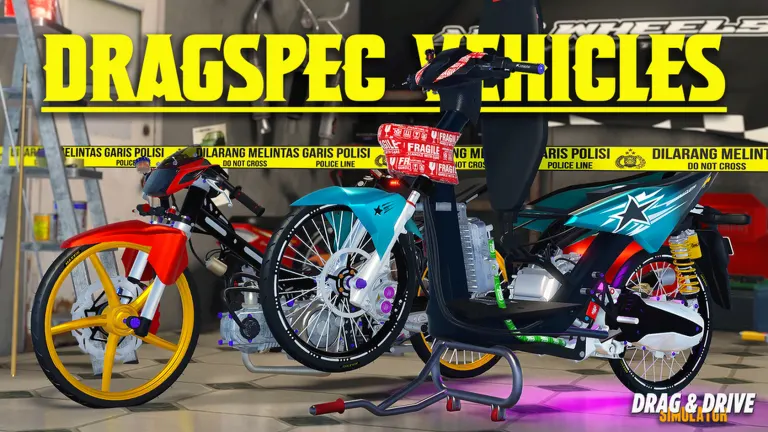
Phone and center stand
Phone button positions move between updates, so I am not drawing a layout. The center stand is mentioned by one wiki page only, so I am not giving it a key. Console players can follow the same action names. A PlayStation-specific glyph chart was not in the two written guides.
FAQ
How do I start the motorcycle?
Mount with a held E, then press P. That pair is in the free-bike guide and the beginner guide as well as this table.
Which key is the clutch?
M toggles manual clutch mode in the HUD table. The extra hold-key used for wheelies is not stable across guides. Use the on-screen clutch if it is there.
Sources
- AllThings controls — checked 2026-11-17
- DDS wiki controls — checked 2026-11-17
- Sportskeeda beginner guide — checked 2026-11-17
- Radex Tips controls video — checked 2026-11-17
Related: Wheelie · Beginner guide · Freecam